Which Starlink Package? NZ Buyer's Guide
Updated July 2026
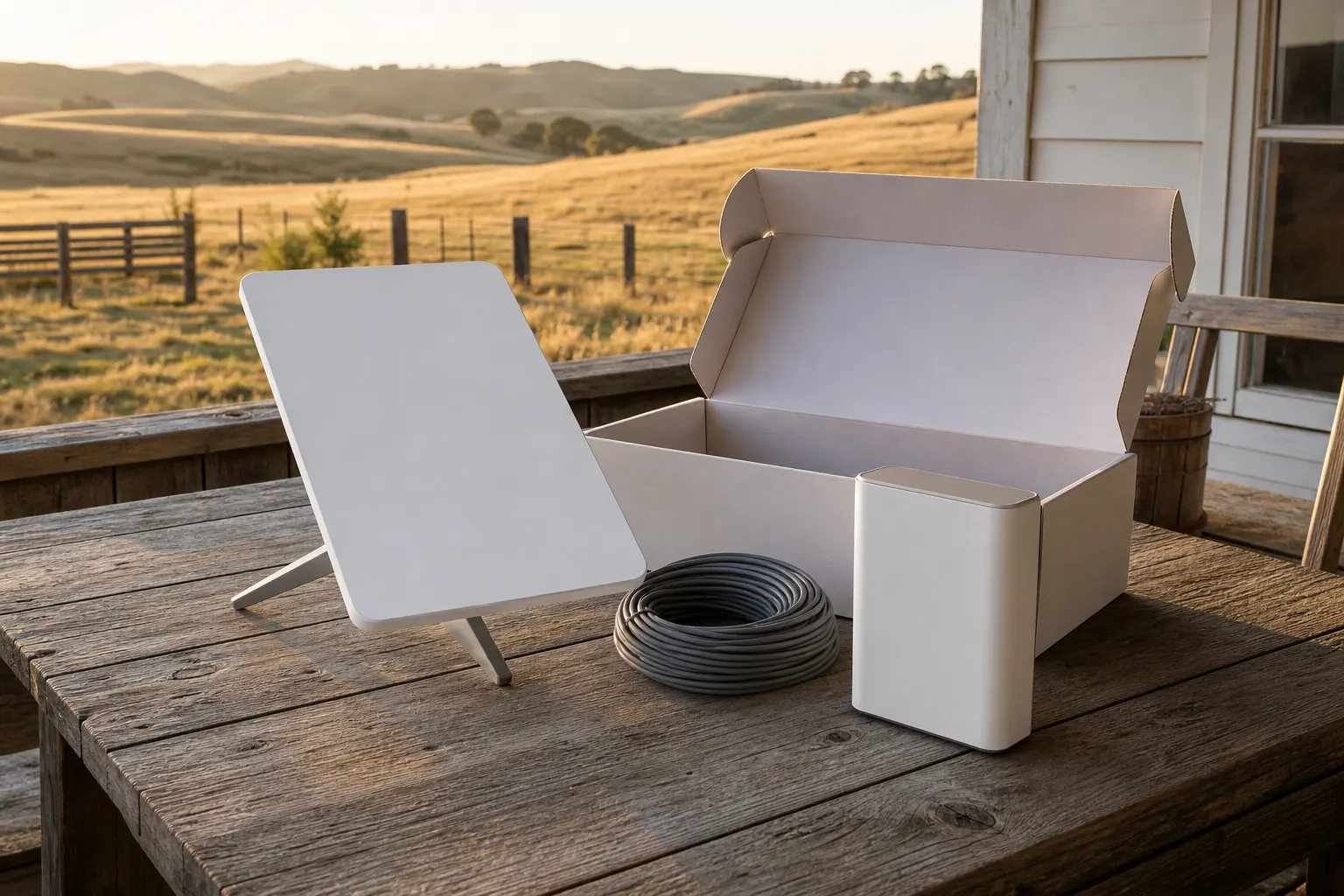
The short version
Starlink hardware and service plans are separate choices, even when the order page presents them together. As at mid-2026, Standard is the larger residential kit and Mini is the smaller, portable option with a DC power input; Roam is a plan category, not a dish model. The right combination depends on your site's exposure, building layout, wifi needs and how you intend to use the connection, so check the current New Zealand order page rather than choosing on hardware alone.
What’s the difference between Starlink Standard and Mini in NZ?
Standard and Mini are different hardware kits, not different service tiers, and as at mid-2026 the choice comes down to size, portability and power, not just price. Check Starlink’s current hardware specifications for the exact performance, power, router, cable and mounting details for each kit against what your property needs.
| Kit | Best for | Watch for |
|---|---|---|
| Standard | A fixed home installation, commonly the larger of the two kits | Mounting, cable run and power needs suited to a permanent site |
| Mini | Portability, smaller footprint, sites where a compact dish suits the mount | DC input needs a USB-C PD source and cable meeting Starlink’s stated requirements, not just any phone charger |
Is Starlink Roam the same as Mini?
No, Mini is hardware and Roam is a service plan category, so the two answer different questions. As at mid-2026, Starlink describes Roam options for travel use, but availability, terms and compatible hardware can change. Check the current New Zealand plan terms for where and how you intend to use it before assuming Roam and Mini are interchangeable.
Mini and Standard have different specifications, so how do I compare them properly?
Compare the current published figures against the number of users, applications, power setup and portability you actually need, not against each other in isolation. If the connection is business-critical, plan for failure and backup separately from the dish choice itself.
Does a suburban section need the same package as a rural block?
Not always. The package that suits a suburban section and the package that suits a rural block are not automatically the same decision, even when the hardware is identical. Do not choose from the suburban or rural label alone. Sky view, wind exposure, roof and cable access, building layout, power and wifi needs all vary by property. If exposure is a concern where you are, check the mounts guide for how wind zone affects the fixing, and more than one building usually needs a separate network plan, regardless of which dish you buy.
Can I just order Starlink online myself?
Yes. Plenty of people order online themselves and it works out fine, especially on straightforward residential sites. Work out what you need before you click order: check the current hardware, plan terms, delivery estimate and returns terms. It is easier to resolve a mismatch between kit, plan and property before installation than after, and installation cost itself is covered separately in our cost guide.
Who should talk to someone before ordering?
Anyone on an exposed site, anyone covering more than one building, anyone with a larger home needing wider wifi coverage, or anyone unsure about their view of the sky should get advice before they order. A quick conversation before you buy is worth it if any of the following sound like your property:
- Exposed sites. If the proposed position is exposed, get the mount assessed for the actual site.
- Multiple buildings. House plus shed, house plus sleepout, or a small rural block with more than one structure needing coverage. A single Standard kit might not be the whole answer.
- Larger homes. If wifi needs to reach right across a big house or through thick walls, that is a separate conversation from which dish to buy.
- Anything you are unsure about. If you are not confident about your line of sight to open sky, check it with the app before you order, your wind exposure, or which plan actually matches how you will use the connection, it costs nothing to ask before you order.
Getting advice before checkout can prevent a poor fit between the kit, plan and property. Get matched with a local installer who can help you choose the right package before you order. Check my property.
Quick answers
What is the difference between Starlink Standard and Mini?
As at mid-2026, Standard and Mini are different hardware kits. Mini is smaller and portable. Its DC input can be supplied through a suitable USB-C PD source and cable that meet Starlink's stated requirements. Compare the current specifications and available service plans for your address.
Is Roam the same as Mini?
No. Mini is hardware. Roam is a service plan category. As at mid-2026, the hardware and plans offered together can vary by address and order path, so check the current Starlink NZ order page for compatible choices.
Can I just order Starlink online myself?
Yes, plenty of people do exactly that and it works out fine, especially on straightforward residential sites. The risk is ordering the wrong kit or plan for your actual property and only finding out once it has arrived and been set up.
Who should get advice before ordering?
Anyone on an exposed site, anyone with more than one building to cover, anyone with a larger home needing wider wifi coverage, or anyone unsure about the view of the sky. An installer can identify site questions before you order.
Want it done properly?
Get matched with a professional installer who covers your area.
Check my property